Slide layouts
Title, content, comparison and section layouts with placeholders that keep slides consistent.

A full presentation app that runs in your browser. Themes, layouts, charts, transitions and animations, presenter view and PDF handouts, with the PowerPoint files you already use. Or download it for Mac and Windows.
Your decks never leave your computer. Nothing to install.
SynDeck opens and saves PowerPoint files, so slides, layouts, tables, charts, transitions and speaker notes go back to PowerPoint users as they came. Finished decks export to PDF as slides, notes pages or handouts.
Home, Insert, Design, Transitions, Animations and Slide Show, laid out the way you already work.
Title, content, comparison and section layouts with placeholders that keep slides consistent.
Styled tables and column, bar, line and pie charts, edited right on the slide.
Shapes, text boxes, pictures and alignment guides for clean, precise slides.
Colour and font themes that restyle the whole deck in one click.
Edit the master and its layouts once, and every slide follows.
Fades, pushes, wipes and more between slides, with timing and sound.
Entrance, emphasis and exit effects, with builds by paragraph so points appear one at a time.
Embed sound and video in slides and play them during the show.
Your notes, the next slide and a timer in their own window while the slide shows full screen.
Draw on slides while you present, and rehearse timings for a self-running show.
Export slides, notes pages or handouts to PDF for printing and sharing.
Every command runs from a command line, a control channel or an MCP server.
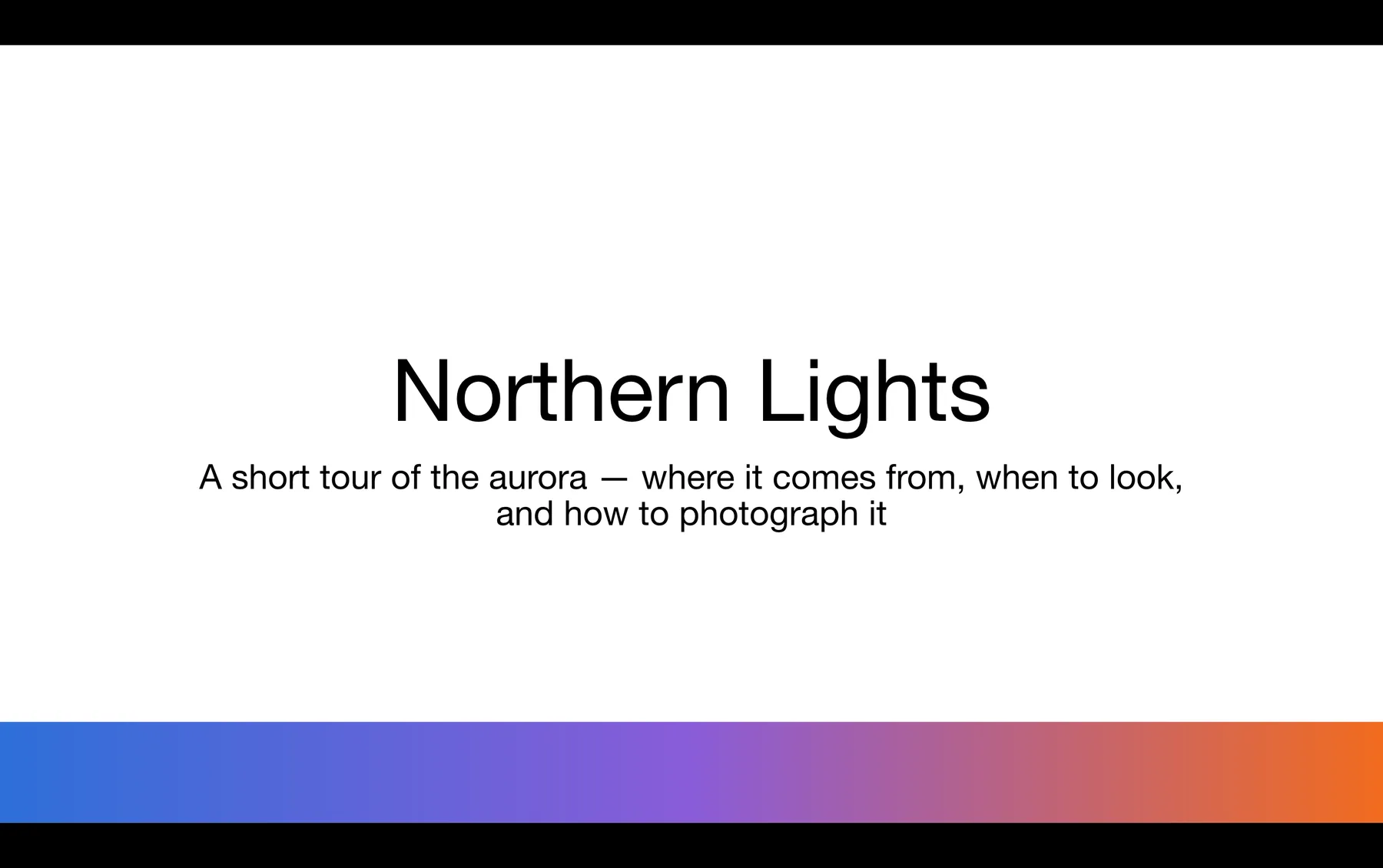
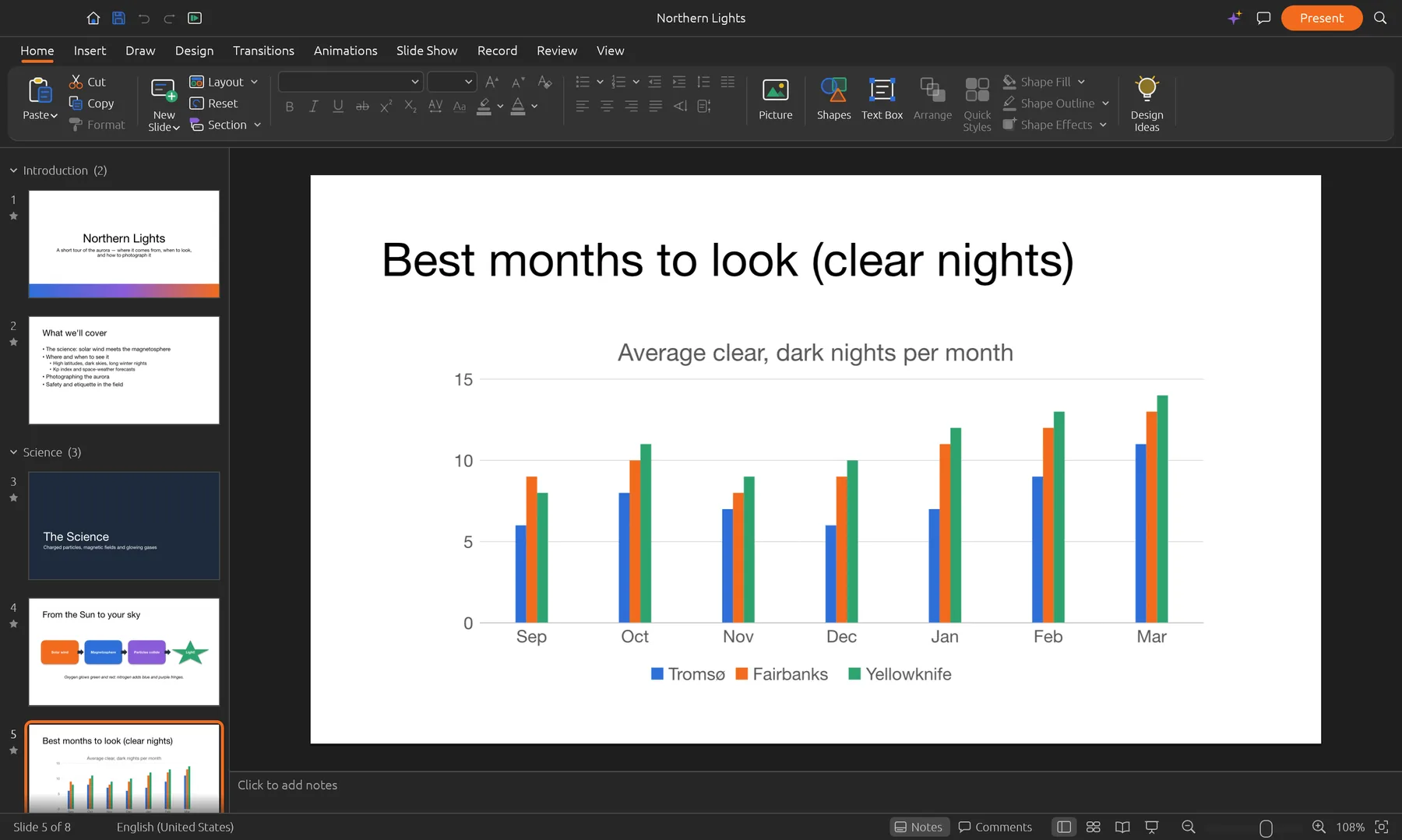
Real SynDeck screens with its sample deck. Switch between them to see each part of the app.
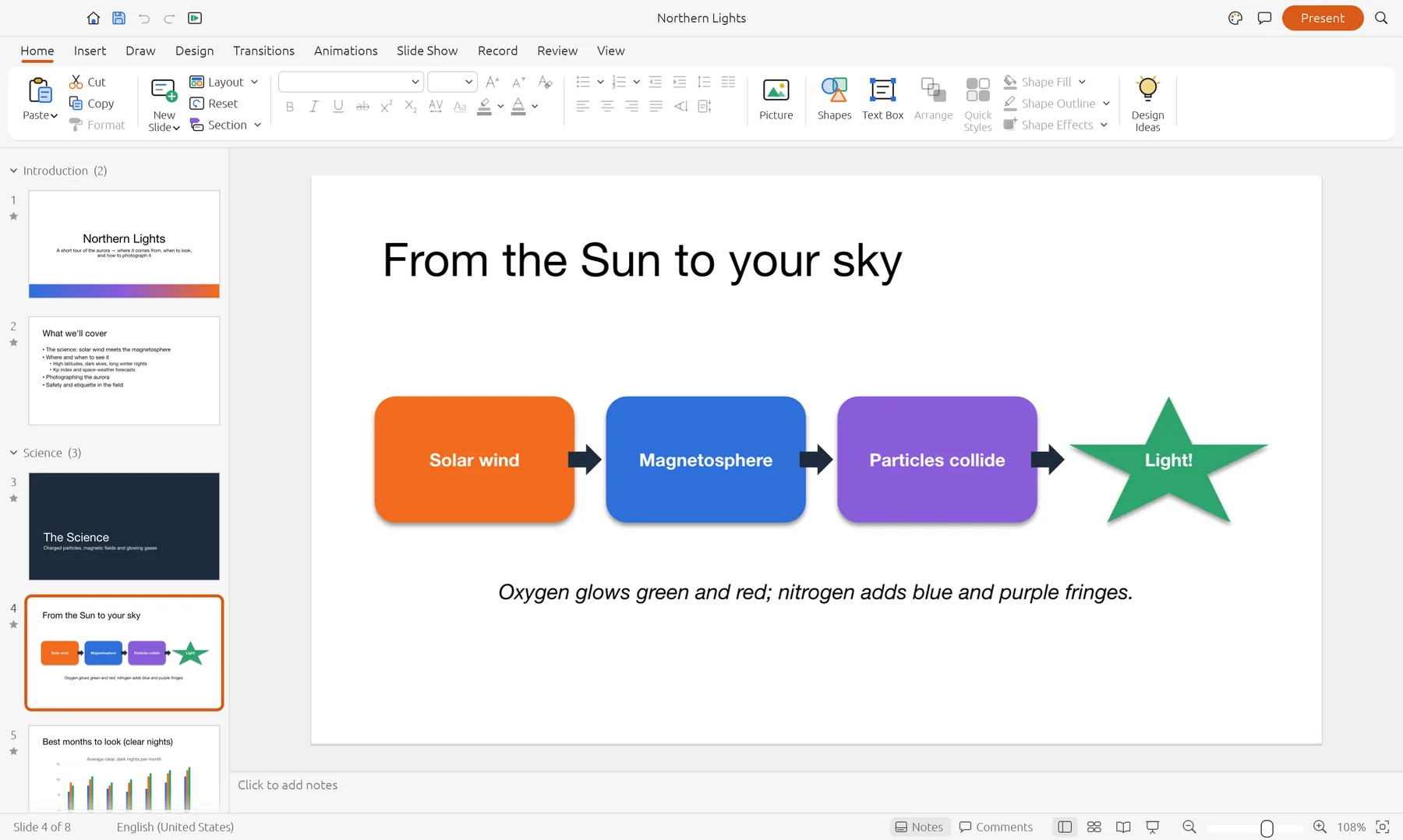
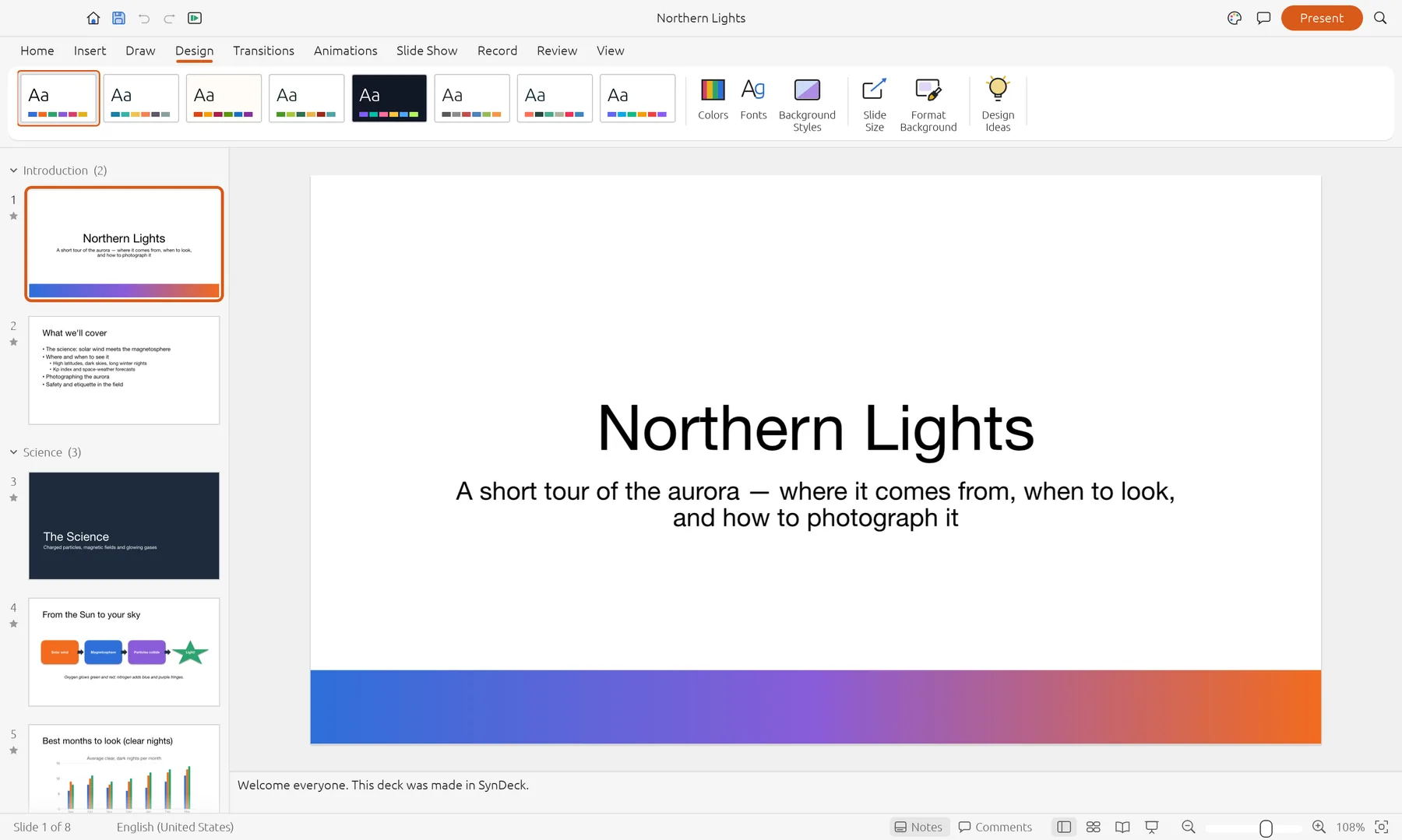
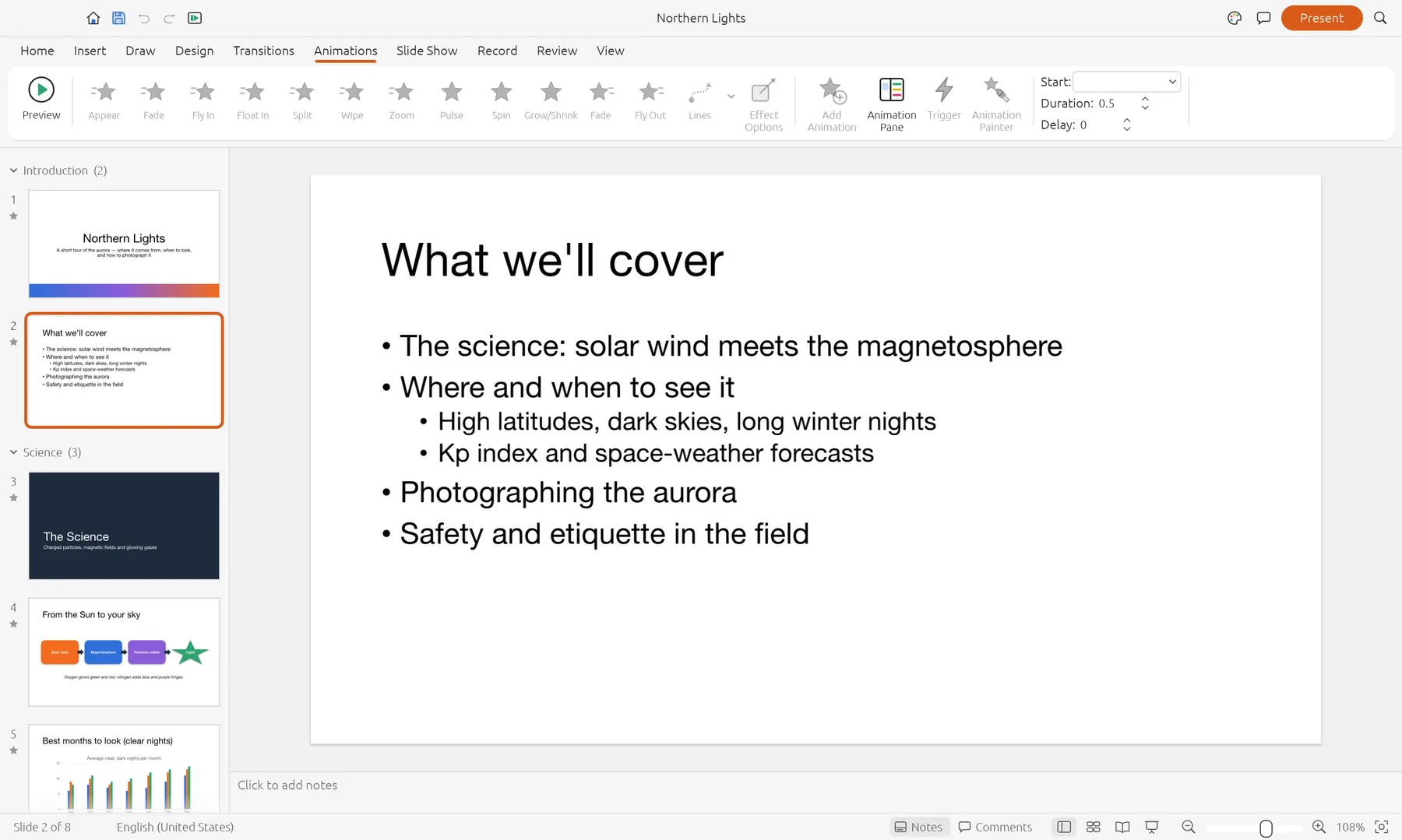
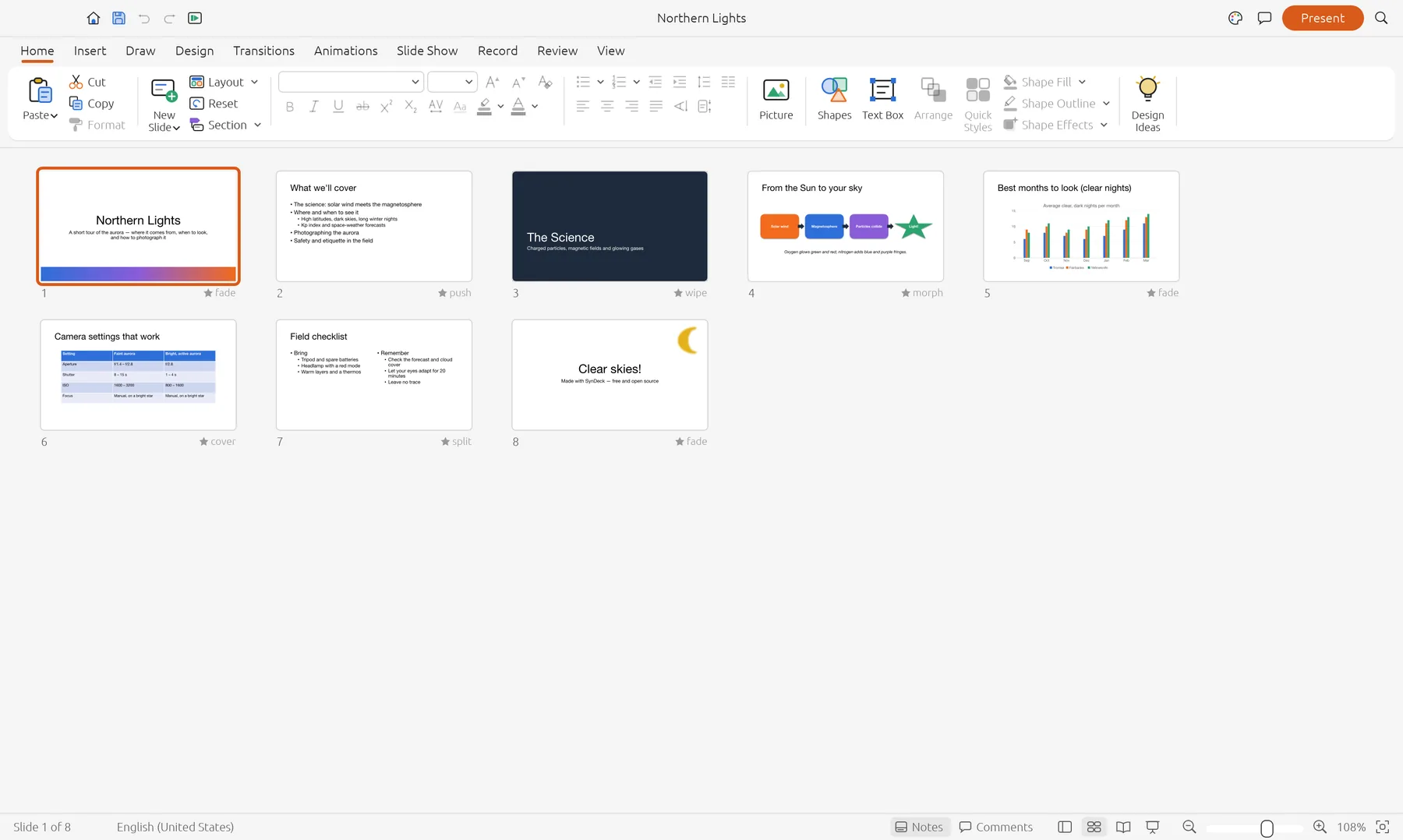
Building, presenting, PowerPoint files and PDF export work end to end. These are next.
Most decks open well, but SynDeck hasn't been tested on a large set of real-world files yet. Check important decks.
Only .pptx, .potx and .ppsx open for now: save older decks as .pptx first.
Decks export to PDF; turning a deck into a video is coming.
Board packs, pitches and client proposals stay on your own device. SynDeck opens, edits and presents everything locally, in the browser or in the app.
The online version works on files inside your browser. Nothing is sent to us.
Once it has loaded, SynDeck keeps working without an internet connection.
Nothing to sign up for, no licence server and no telemetry.
PPTX and PDF out, so your work is never locked in.
Version 0.6.0 alpha. Free, with no account. The online version is the quickest way to start.
Yes. SynDeck is free while it's in alpha, with no account and no subscription.
Yes, .pptx, .potx and .ppsx files open and save, with layouts, tables, charts, transitions, animations and notes. It hasn't been tested on a large set of real-world decks yet, so check important ones. Older .ppt files need saving as .pptx first.
Yes. Start the slide show full screen, use presenter view with your notes, the next slide and a timer, draw with the pen and rehearse timings.
No. The online version opens files straight from your computer and works on them in the browser. Nothing is sent to Syntera Labs.
Chrome or Edge on a recent computer give the best results. For presenter view in its own window, use the Mac or Windows app.
SynDeck is new and improving every week. Save your work often and keep a copy of important decks.
Open SynDeck in your browser. It's free, private and nothing to install.
Open SynDeck →